
Meta Just Connected AI to Your Ad Account. Here's What It Really Does.
Meta rolled out an Ads MCP Server that connects AI agents straight to your ad account. Here is what it can actually do, the guardrails Meta built in, and how to adopt it without handing an agent your budget.
Meta has started rolling out an Ads MCP Server in Business Settings, under Integrations. It is early access, and easy to scroll past, but it changes how Meta ads get managed.
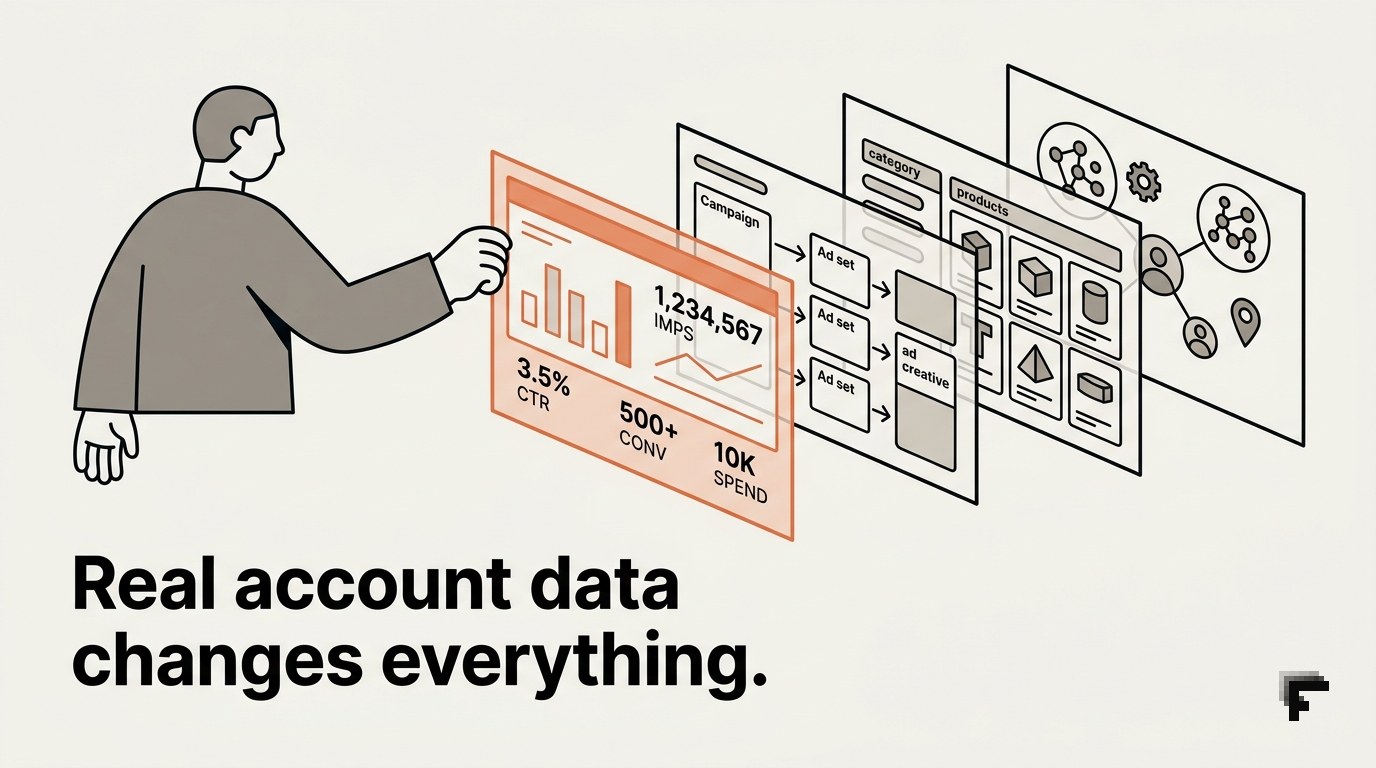
MCP, the Model Context Protocol, is the standard that lets AI agents connect to outside systems in a structured way. Meta's version points that at your ad accounts and catalogs, and it already works with the major agents, ChatGPT, Claude, and Perplexity, through a single server address. Once connected, the agent works from your real account data, so its recommendations and actions are grounded in your campaigns rather than generic advice.

We enabled it on one of our own accounts to see the full scope. A connected agent can pull detailed reporting and account history, create campaigns, ad sets, ads and creative including Advantage+ carousels, manage custom audiences, build and troubleshoot catalogs, read signal and Conversions API health, run A/B tests and lift studies, and read the activity log. In short, most of what a media buyer and an analyst do all day, available through a conversation.
The obvious appeal is time. A large share of paid-media work is repetitive: building structures, duplicating ad sets, pulling numbers, making small edits. An agent that does that on request gives hours back, and it answers account questions without anyone opening Ads Manager.
The part that deserves more attention is how the controls work, because Meta built this more carefully than the excitement suggests. Every new ad the agent creates is paused by default until a person sets it live, so an agent cannot silently push spend into the market. Every action requires your authorization through the agent. And permissions are granular: each capability, create campaigns, edit budget, edit targeting, edit creative, edit status, is its own on or off switch per ad account. You can even cap budgets, blocking any request to set spend above an amount you choose, so a wrong instruction cannot run the number past your ceiling.
That combination is what makes this usable rather than reckless. The genuine live-money levers are editing budgets and turning campaigns on, and those are exactly the two you fence with a budget cap and a careful status policy. Creation, reporting and analysis you can hand over sooner, since paused ads and read-only data carry little risk.
A sensible rollout looks like this. Start the agent read-only and let it report and recommend while a human executes. Set a budget cap before you enable anything that touches spend. Turn on one action at a time, budget and status last, and review what it does on low-stakes changes until it earns more rope.
Agentic ad management is coming to every platform, and Meta moving first with real guardrails shows where this is heading. The advantage goes to whoever sets the permissions to match how much they actually trust the tool, and tightens them the moment something looks off.
If you want help wiring this into your stack, choosing which actions to enable, setting budget caps, and keeping a check on agent behaviour before it touches spend, that is the kind of setup we do.
Written by Foreground Digital. Start a project →